Online tutoring practicalities
What to do if the internet drops during online tutoring
Agree a short reconnection routine before the lesson, keep the current task available offline and use a backup that preserves feedback and learning time.

Plan the interruption before it happens
A dropped connection becomes disruptive when the child, parent and tutor each try a different response. Agree a short routine before the first lesson: wait a defined time, try the same meeting link once, switch off video if the connection is weak, and use the agreed contact route only if rejoining fails.
Keep the routine appropriate to the child’s age and the family’s privacy rules. A child should not need to troubleshoot accounts, share passwords or contact an unfamiliar number. The parent and provider should decide which adult handles the connection and what information may be sent.
The opening image is an AI-generated editorial illustration of fictional learning materials. It does not depict a real tutor, learner, family home or online session.
Prepare one offline continuation task
Before the lesson, make the current page, question set or source text available in a form the learner can still open without the call. This might be a downloaded file, a photographed page or a short printed task approved for the session. Avoid sending a large folder that forces the learner to search while the connection is unstable.
The backup task should continue the same learning goal. If the lesson is practising equation setup, the offline task can ask the learner to annotate two questions and attempt the first setup. It should not jump to unrelated busywork simply because it can be completed alone.
| Time without connection | Learner action | Adult or tutor action |
|---|---|---|
| First minute | Stay on the current task and wait | Check whether the platform reconnects |
| After the agreed wait | Use the same meeting link once | Reduce bandwidth or rejoin |
| If rejoining fails | Begin the named offline task | Send one clear update through the agreed adult contact |
| After the lesson | Keep the attempted work | Review it and confirm how missed feedback will be handled |
Stabilise the call before changing platforms
Official Google Meet guidance recommends checking service status and in-call diagnostics, closing unnecessary apps or tabs, pausing large downloads, leaving and rejoining, and turning off video when a weak connection needs less bandwidth. Similar principles apply across platforms, although the exact controls differ.
Change one thing at a time. If audio remains clear, keeping audio and the shared task may be better than abandoning the lesson for a new platform. Repeatedly opening links, moving devices and starting new calls can use more time than a simple audio-only continuation.
Use a learning-first fallback
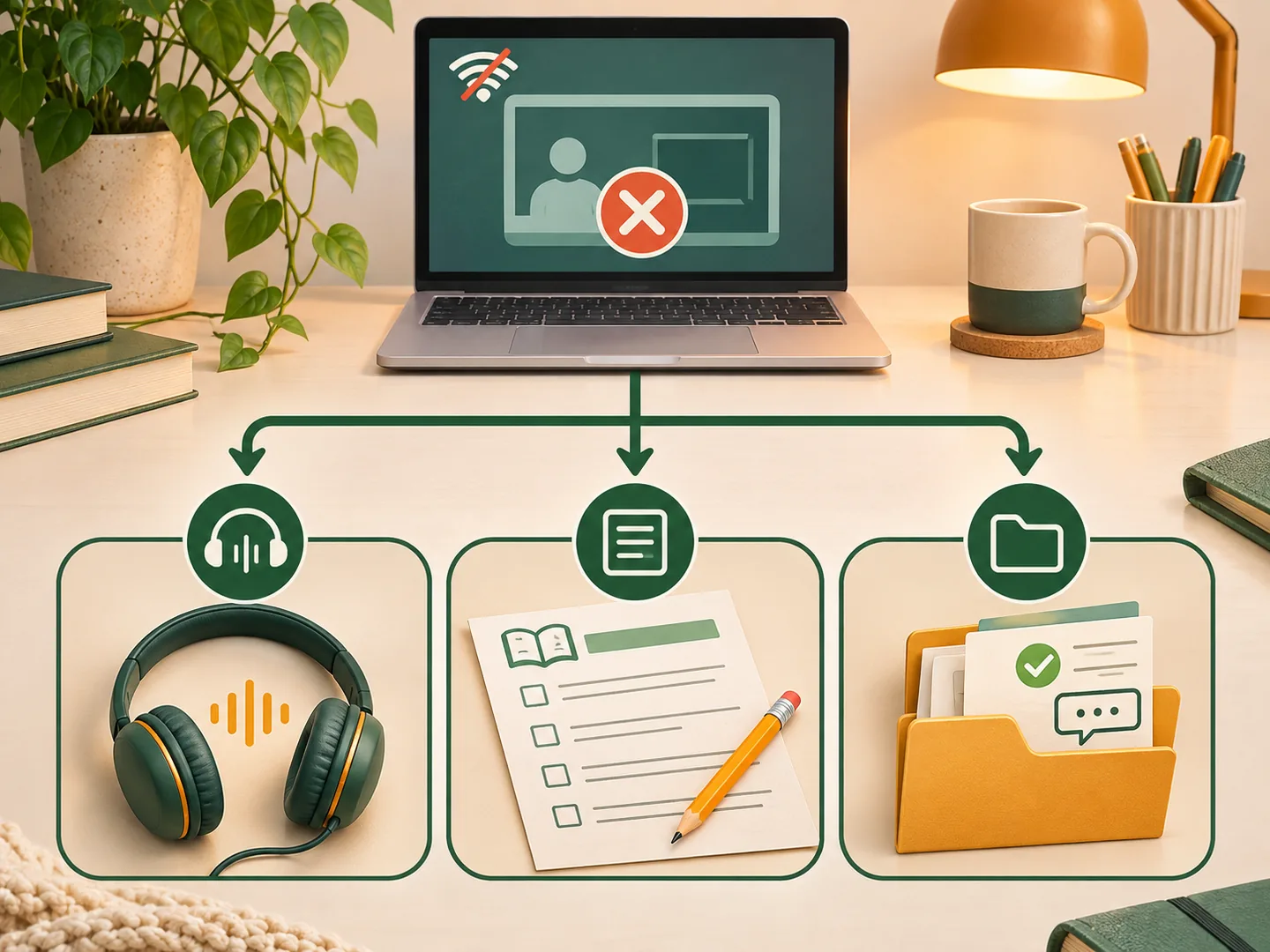
This contextual image is AI-generated and shows fictional options. It does not promise that every platform, device or lesson can use each route.
Choose the fallback by asking what part of teaching is still possible. An audio-only call may support explanation and verbal retrieval. An offline page may preserve independent practice. A saved photo or document may allow feedback after the connection returns. The backup should keep the goal visible and make the missing feedback explicit.
Evidence reviewed by the Education Endowment Foundation emphasises that teaching quality matters more than the delivery medium and that access to technology is essential. A reliable fallback protects explanation, practice and feedback rather than trying to imitate every feature of a live video lesson.
Record what was completed and what was missed
At the end, note the last completed step, the work attempted offline and any feedback that still needs to happen. Do not count disconnected minutes as successful teaching simply because the learner had a worksheet. The provider’s booking and interruption arrangements should be confirmed in writing for the family’s situation.
If interruptions happen repeatedly, review timing, device position, bandwidth-heavy background activity and whether a mixed online and in-person format would be more practical. The decision should follow the child’s learning needs and the available setup, not a claim that one format is always superior.
When online tutoring support may help
Families who travel or live across different parts of Bali can discuss the subject, curriculum, device setup and likely connection constraints on the online tutoring page. A useful enquiry names the child’s year group, subject, current task and preferred backup contact.
Families around Sanur can also review in-person arrangements on the Sanur tutoring page. For help showing written calculations online, see how to share handwritten work in an online lesson.
Frequently asked questions
Should a child switch off video when the internet is weak?
Turning off video can reduce bandwidth while preserving audio, but the family and tutor should decide whether the remaining format still supports the lesson task and safeguarding arrangements.
Should every online lesson have a printed worksheet backup?
The backup can be printed or digital. What matters is that the learner can access one relevant task offline and knows exactly where to begin if the live connection cannot be restored.
Related
Message us on WhatsApp: +62 858 6969 6869 · info@privatetutoringbali.com · We reply within one working day.