Scratch debugging
Scratch broadcast not working? Debug the message
Trace which script sends the message, confirm the exact receiver, reduce the project to one event and rebuild the sequence one tested step at a time.

Treat a broadcast as an event, not a visible instruction
In Scratch, a broadcast sends a named message to sprites and the Stage. Nothing has to appear on screen when the message is sent. A visible action happens only if another script begins with a matching “when I receive” block and then performs an action.
The official Scratch help describes broadcast as sending a message to all sprites and the background. This makes broadcasts useful for coordinating scenes, levels and conversations, but it also means the bug can sit in the sender, the message name, a receiver or the order of later actions.
The opening image is an AI-generated editorial illustration using invented blocks and characters. It does not show a real student project, tutor, learner or classroom.
Trace one message from sender to receiver
Find every block that sends the message. Write down what must happen before that block can run. A broadcast inside a key-press script will never fire if the project is being tested only with the green flag. A broadcast after a “wait until” condition will not fire while that condition remains false.
Then use the message dropdown rather than retyping the name. Confirm that the receiver starts with the same message selected from the same project menu. Similar names such as “level 2”, “Level2” and “level two” are separate messages even when they look related.
| Checkpoint | Test | What a failure suggests |
|---|---|---|
| Sender | Add a temporary sound or speech block immediately before broadcast | The sending script never reaches the block |
| Message | Choose the existing name from the dropdown | Sender and receiver use different messages |
| Receiver | Make one receiver say a short test word | The receiving script is missing or attached elsewhere |
| Sequence | Test broadcast and broadcast-and-wait separately | Later scripts depend on timing or completion |
Build a minimal working test
Create a temporary sender script: when green flag clicked, wait one second, broadcast a clearly named test message. On one sprite, create a receiver: when I receive the test message, say “received” for one second. Run only this small pair.
If it works, Scratch broadcasting is functioning and the original bug is in the project sequence. Move the proven receiver back into the original flow, then add one action at a time. If it does not work, check that both scripts are in the same saved project and that the receiver is not being deleted, stopped or hidden by a separate script before the visible action can be noticed.
Choose broadcast or broadcast and wait deliberately
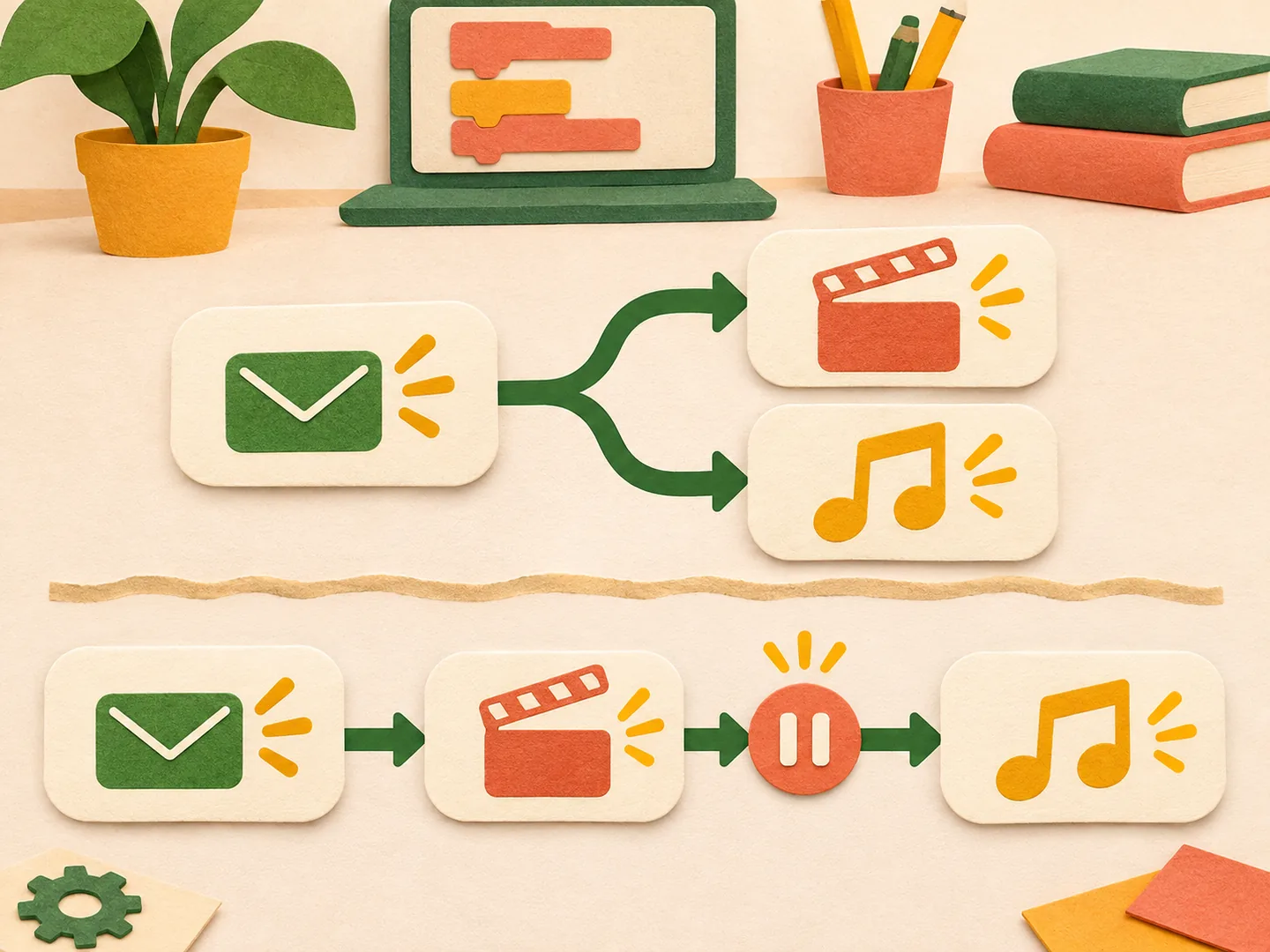
This contextual image is AI-generated and contains invented code shapes. It is not a screenshot from Scratch or a submitted student project.
A normal broadcast starts matching receiver scripts and allows the sender to continue. “Broadcast and wait” pauses the sending script until the triggered receiver scripts finish. Neither is universally better. The choice depends on whether the next sender action must wait for the receivers.
For a scene change, broadcasting “scene two” and immediately hiding every sprite can erase the visible response before it is seen. A wait block, a receiver-controlled cleanup or broadcast-and-wait may produce a clearer order. Test the sequence rather than replacing every broadcast mechanically.
Look for scripts that stop or overwrite the response
The receiver may run correctly and still appear broken. Another script might move the sprite back, switch the backdrop again, set a variable to its old value or use “stop other scripts in sprite”. Add short temporary signals after each important step to reveal how far the script travels.
Remove the temporary signals when the project works. Keep a short debugging note that records the symptom, the smallest test and the change that fixed it. This is more useful than remembering only that the blocks were rearranged.
When coding support may help
If a child keeps changing blocks without being able to explain the event chain, bring a copy of the project and one clear reproduction step to a coding tutoring discussion. A tutor can model systematic debugging while the child remains in control of the code.
Families around Berawa and Pererenan can review practical arrangements on the Berawa tutoring page. For another variable-based Scratch problem, see what to check when a Scratch score does not reset.
Frequently asked questions
Does Scratch broadcast send a message to every sprite?
A broadcast is available to all sprites and the Stage, but only scripts with the matching when-I-receive event will run in response.
When should a child use broadcast and wait?
Use it when the sending script must pause until all scripts triggered by that message have finished. Use a normal broadcast when those actions may run while the sender continues.
Related
Message us on WhatsApp: +62 858 6969 6869 · info@privatetutoringbali.com · We reply within one working day.