Online learning routines
How to prepare a child for an online tutoring session
Check the device ten minutes early, place materials within reach, agree the learning goal, reduce interruptions and let the learner do the visible thinking.
Published

Run a ten-minute technology check
Charge the device, connect the headphones if used, open the meeting link and test the microphone, camera and internet connection. Sign in with the learner’s approved account and close unrelated tabs and notifications.
Keep the tutor’s contact method available for a connection problem, but do not send personal school logins or private documents through an unapproved channel. If the family is travelling, confirm the time zone before the day of the session.
The opening online-learning photograph is AI-generated with fictional Indonesian people. It does not show a real tutor, learner, school or client session.
Prepare the workspace and materials
Choose a stable chair and table in a reasonably quiet, well-lit place. Put the notebook, pencil, calculator, textbook and current assignment within reach. Mathematics and science learners need enough desk space to write while the screen remains visible.
Open only the files needed for the lesson. Photograph or scan written work in advance if the tutor needs to inspect it. The learner should still write and explain during the session rather than watching the tutor complete the task.
| Before the call | Why it matters | Simple check |
|---|---|---|
| Device and link | Protects teaching time | Camera, microphone, sound and charge work |
| Materials | Keeps the learner active | Notebook, current task and tools are ready |
| Learning goal | Gives the hour a clear focus | The learner can state what is difficult |
| Workspace | Reduces avoidable interruptions | Notifications are off and others know the session time |
Agree one useful learning goal
Before the call, ask the learner to identify one question, recent error or topic that feels uncertain. Share the relevant assignment, syllabus point or teacher feedback if appropriate. A clear starting point helps the tutor diagnose rather than spend the first part of the session searching for context.
Do not promise that every task will be finished in one lesson. A productive session may uncover a prerequisite gap, practise one method accurately or create a plan for further independent work.
Use a brief parent handover
For a younger learner, a parent can help join the call, name any practical issue and confirm when the session ends. Then give the child room to answer. Staying close enough for safety or technical help does not require correcting every response.
Older learners should increasingly manage their own link, files and questions. Independence can be built gradually with a visible checklist and the same setup routine each week.
Make the learner’s thinking visible
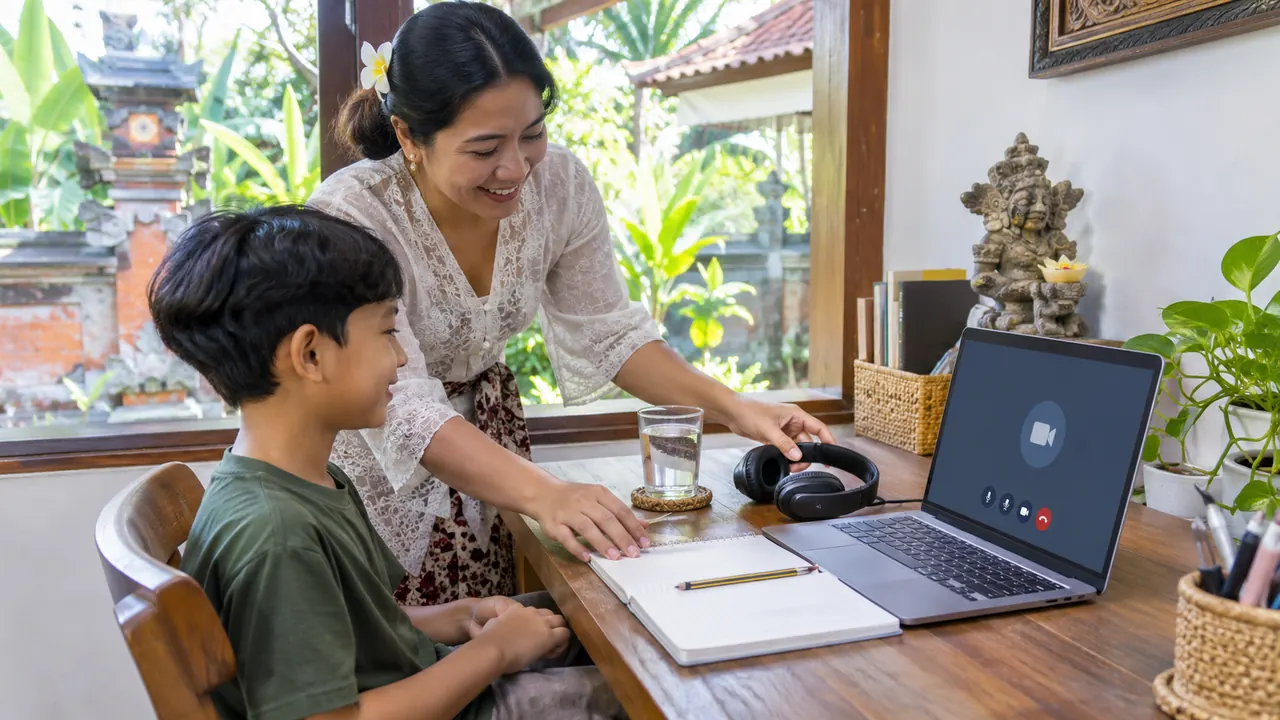
This session-preparation image is AI-generated with fictional people and does not document an actual tutoring appointment.
Angle the camera so the learner’s face is visible, and use a document camera, uploaded photo or shared whiteboard when written working matters. The tutor needs to see the process, not only hear a final answer.
After the call, write one next action while the lesson is fresh. Store the file or note where the learner can find it before the next session, then close the call and protect a short break.
Choose online support that fits the learner
If online delivery suits the family’s travel, location or schedule, describe the learner’s age, subject, current materials and connection setup in an online tutoring discussion. The commercial online page owns lesson enquiries; this article covers preparation.
Families in North Bali can also review the Lovina tutoring area page. The online versus in-villa comparison can help families choose the delivery format.
Frequently asked questions
Should a parent stay for an online tutoring session?
A parent may help a younger child join and remain available for practical support. During teaching, give the learner space to answer so the tutor can see what they understand.
What should be sent to the tutor before the session?
Send only relevant, approved learning materials such as the current task, syllabus point or teacher feedback. Do not share school passwords, unnecessary personal data or private records.
Related
Message us on WhatsApp: +62 858 6969 6869 · info@privatetutoringbali.com · We reply within one working day.